Thanks to Jeremy Tammik at The Building Coder:

The recording of the Revit 2013 API webcast that we held on May 17 is now available from the ADN DevTech Webcast Recordings Archive, entering “Revit API” as the course topic, or directly from here
 
The 34 MB zip file includes:

  • ReadMe.txt
  • Slide deck
  • Recording
  • Code Samples

The webcast addresses two main areas: an introduction to Revit programming for beginners, including a quick walkthrough of basic concepts, and a discussion of some of the new functionality provided by the Revit 2013 API, which will be of interest to both beginners and experienced developers. The two parts are roughly equal in length.

via
The Building Coder: Revit 2013 API Webcast Recording

From their website:
KA Connect is a community of AEC professionals driven to transform the way the industry creates, captures, and shares knowledge.
Thought leaders from all over the world come together face to face and online to share best practices, stories, and ideas about how they manage information and share knowledge in their firms.

Main video page: KA Connect – Building Knowledge

Embedded as iframe:

Heads up via Case Newsletter

Nathan Miller strikes again:
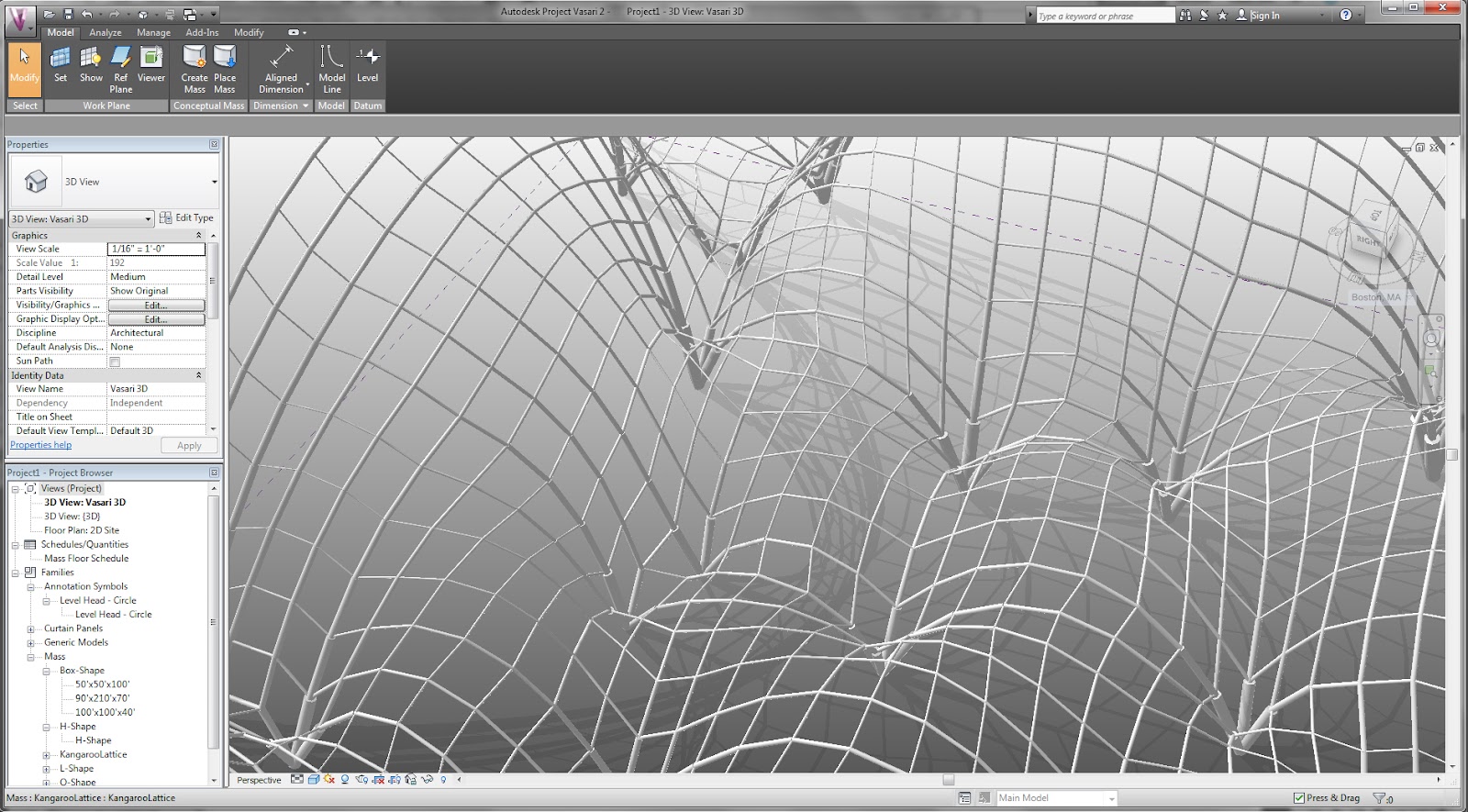
I am creating a strange ‘catenary’ surface with Kangaroo and Grasshopper.  I am then feeding the information into an Excel spreadsheet and reconstructing the shape using Adaptive Components via RevitPythonShell.  Note how I am also able to adjust the radius parameter of the pipe members within Revit to reflect the ‘force’ diagram created in Kangaroo.

via
The Proving Ground by Nathan Miller: Revit API: Divided Surfaces and Excel Interop

Now here is something cool – Jon Mirtschin of Geometry Gym has been working on an IFC importer add-in for Revit (my previous post here) (current version 0.0.23 download direct here, or source page here).

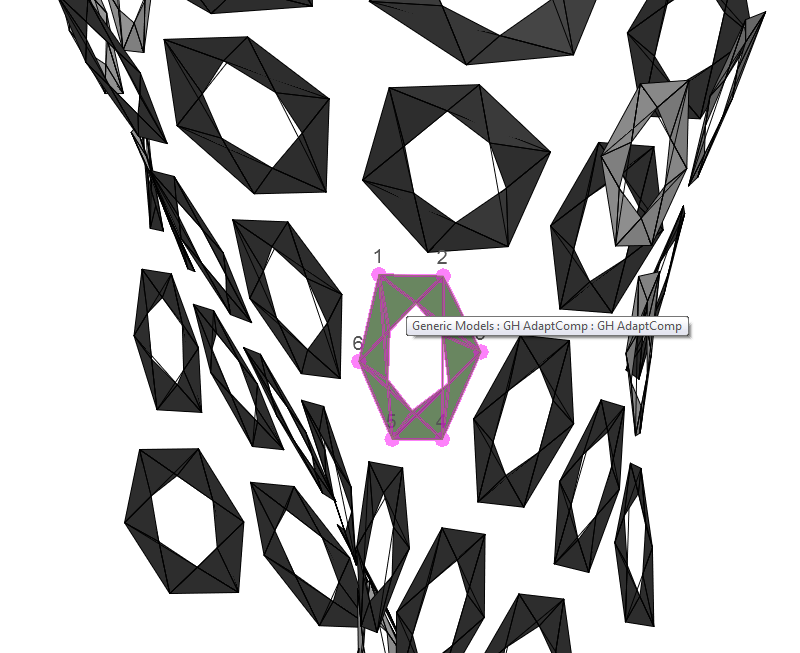
What made me go ‘wow’ today was this: using this add-in, you can take an IFC file and import it as a Generic Model Adaptive Component in Revit 2012.  You can select the points and adjust it just like ANY Adaptive Component – but it came from Grasshopper via IFC!

Here is how to do it:

  1. Download and install the add-in
  2. Upon opening Revit 2012, you can see the add-in under External Tools – Geometry Gym IFC Importer
  3. You will need to email Jon to get a license XML file.  Paste that into the appropriate folder.
  4. Now, run the Geometry Gym IFC Importer again.
  5. Download, then select the IFC file that Jon provided today (see below)
  6. Click ‘Proceed’ then wait a bit
  7. The IFC will now appear as a bunch of Adaptive Component instances that you can select and modify!

Here’s the Grasshopper model, and here’s the IFC file.
via
Geometry Gym: Generative Adaptive Component

In fact, there is some serious 3rd party development happening on the Grasshopper to Revit front – check out:
http://www.grasshopper3d.com/group/gh-revit

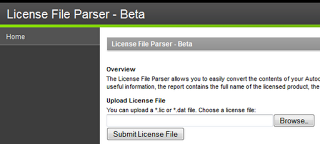
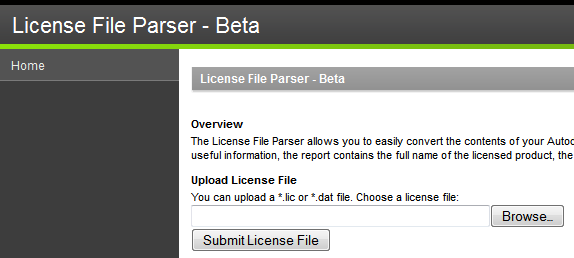
The License File Parser allows you to easily convert the contents of your Autodesk license file into an easy to read report. Among other pieces of useful information, the report contains the full name of the licensed product, the serial numbers, and the number of seats.

You can upload a *.lic or *.dat file
Go to:
http://www.licenseparser.com/index.html

Heads-up via
Google Translate
of
http://datechpt.blogspot.com.au/2012/05/license-file-parser-visualizador-de.html

Issue

Your stand-alone Autodesk product licenses have become corrupted and you want to know how they can be reset.

Solution

Use the following steps to reset the stand-alone licenses for all Autodesk products (version 2010 or higher):
1. Make sure there is no Autodesk product currently running.  If there is, close the application.
2. Rename the adskflex_00691b00_tsf.data file to adskflex_00691b00_tsf.data.old.  This file can be found at the following locations:

Windows XP
C:Documents and SettingsAll UsersApplication DataFLEXnet

Vista/Windows 7C:ProgramDataFLEXnet

3. Restart your Autodesk product and go through the activation procedure again.
Note: This file contains all product activations for all 2010 and higher Autodesk products installed on your system.  You will need to re-register these products if this file is renamed/deleted.

via
Autodesk – AutoCAD Services & Support – How to reset your stand-alone Autodesk product licenses