How to do it:
- Open a view in which the sun could ‘possibly be seen (ie. 3D View, Elevation view)
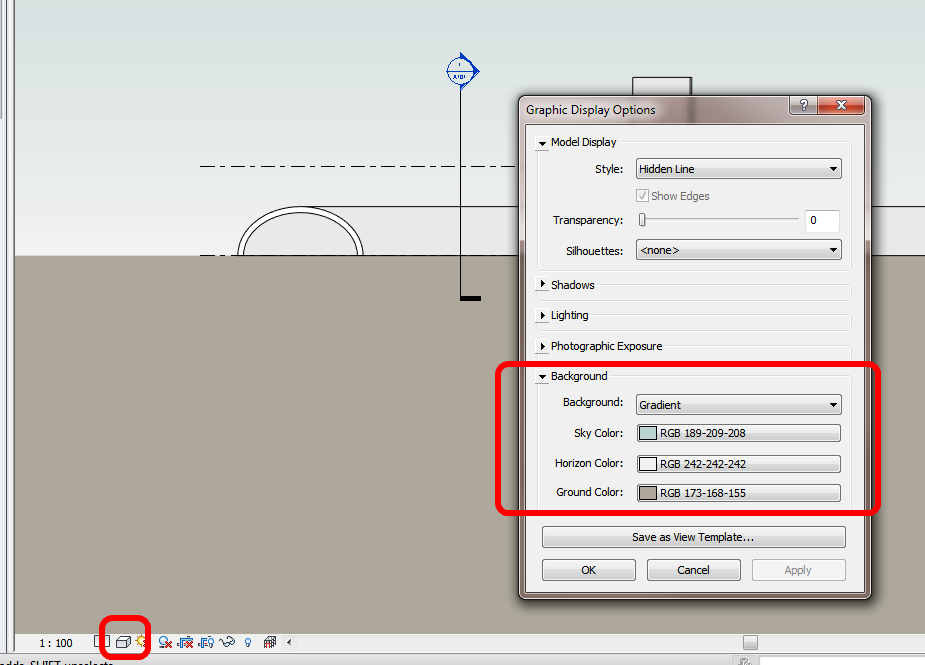
- Graphic Display Options – Lighting – Single Day
- Graphic Display Options – Background – Sky
- Your view needs to actually be able to see the sun (see steps below) … and it should be there.
You can even do this in a Hidden Line or Wireframe view.
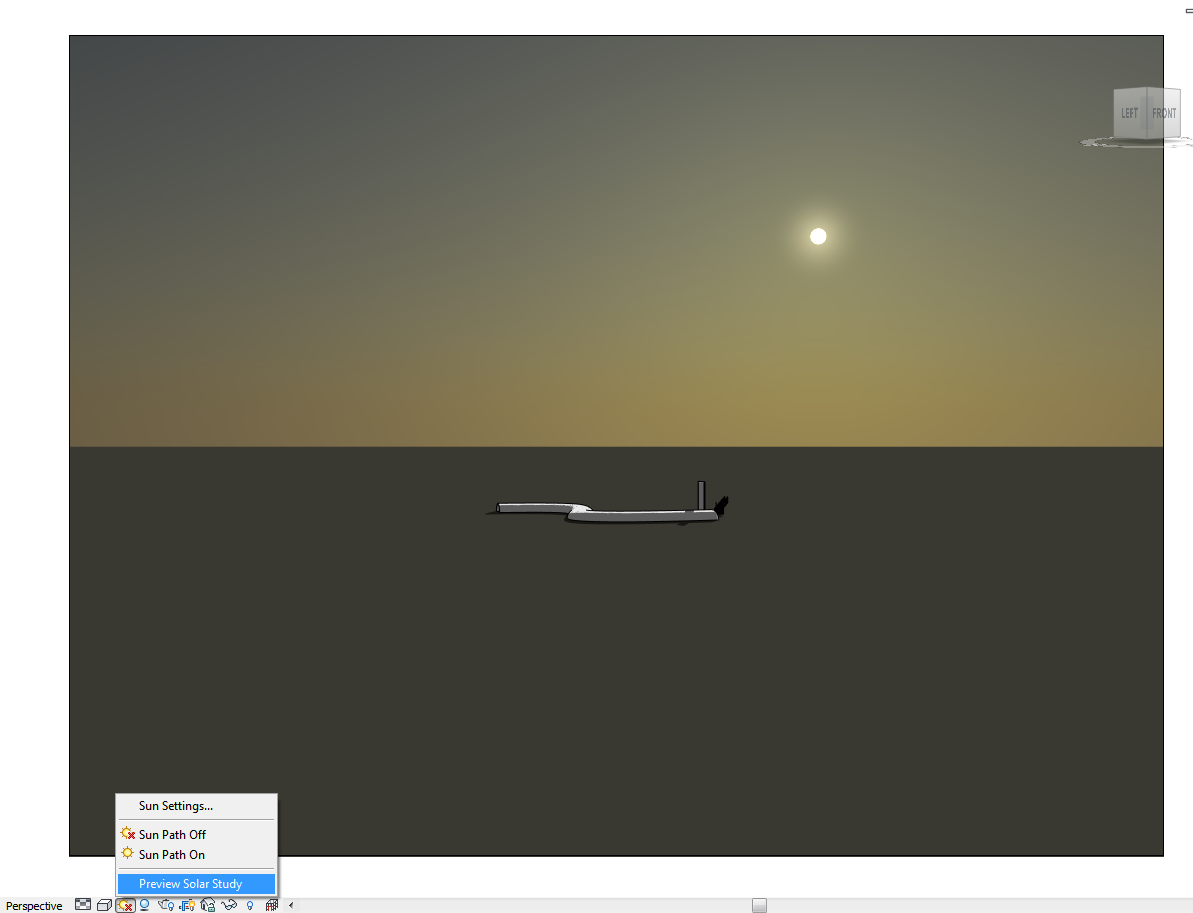
Shadows do not need to be turned on.
If you want to quickly move the sun around WITHOUT having to use the graphic sun path:
- Follow steps 1 to 3 above
- Graphic Display Options – Lighting, Tick the ‘sunrise to sunset’ button
- Turn Shadows On
- Click the Sun icon, then Preview Solar Study should be available
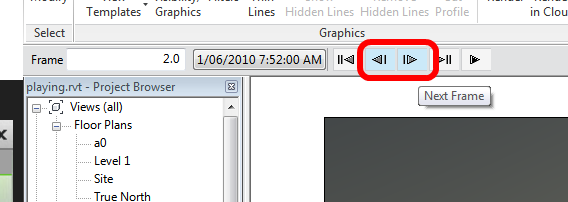
- This will reveal a little ‘player’ in the Options bar
- Click the Next Frame, Previous Frame buttons until you see the sun