Revit veterans have probably already done this, but it is quick and easy and it may increase your productivity.
Here is a quick how-to:
- Go to a Plan View
- Start Wall command
- Right-click on Type Selector
- Pick ‘Add to Quick Access Toolbar’
Do you have any other ingenious uses for the QAT?
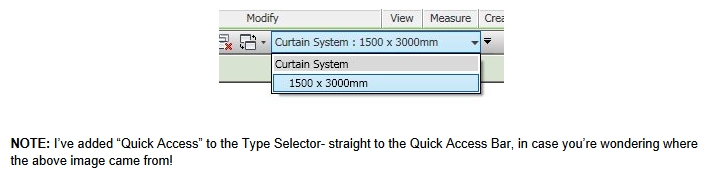 |
| Image clipped from Revit Zone |